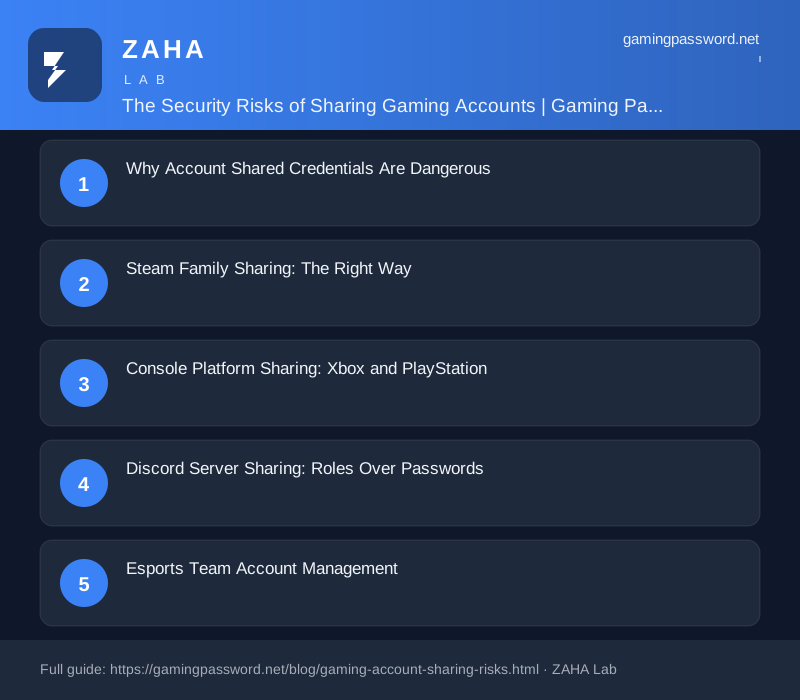
Account sharing is normalised in gaming. Friends share Steam libraries, siblings share platform accounts, and esports teams share tournament registration logins. But every shared credential multiplies the attack surface. Each person who knows your password becomes a potential leak point, through their own security practices, their compromised devices, or their social circle. This guide covers the actual risks of account sharing and the platform-specific tools that make sharing safer than handing out your password.
Why Account Shared Credentials Are Dangerous
When you share a password with someone, three things happen: you lose the ability to revoke access individually (changing the password kicks everyone out), you lose the audit trail (no way to know which shared user accessed the account and when), and you increase the exposure surface (the other person's security practices are now your risk). The CISA guidance on credential security identifies shared credentials as a top-10 vulnerability in organisations of all sizes.
Beyond the technical risks, sharing passwords often violates the platform's terms of service. Steam, Epic Games, and most other gaming platforms explicitly prohibit account sharing. A compromised shared account may not be eligible for recovery assistance because the account activity violates the ToS.
Steam Family Sharing: The Right Way
Steam's Family Sharing system allows you to share your game library with up to 5 accounts on up to 10 devices without sharing your password. Each authorised user logs into their own Steam account and sees your shared library in their collection. You maintain full control, you can revoke individual users at any time, and only one person can play from the shared library at a time (unless the owner is offline).
This is the security model that account sharing should follow: you share the resource (games), not the credential (password). Use Steam Family Sharing instead of giving friends your Steam login details. It is safer for both parties.
Console Platform Sharing: Xbox and PlayStation
Xbox: The Xbox 'Home Xbox' system allows you to designate one console as your home console. Anyone using that console can access your game library and Xbox Live Gold subscription without needing your credentials. This is designed for family sharing within a household. Microsoft also offers the Game Pass Friends & Family plan in select regions.
PlayStation: Sony's Console Sharing and Offline Play feature on PS5 works similarly to Xbox Home Console. You activate a console as your primary PS5, and anyone using that console can access your games. This is the recommended method for family or housemate sharing.
Nintendo Switch: Does not offer a formal sharing system. Account sharing on Switch requires logging into the same account on multiple devices, which Nintendo restricts. If you need to share games within a family, Nintendo Switch Online Family Membership is the official solution.
Discord Server Sharing: Roles Over Passwords
Discord servers are frequently shared by sharing the server owner's password, one of the most dangerous practices in gaming. If the server owner's account is compromised, the attacker gains full control of the server: deleting channels, banning members, and extracting message history. The 2026 Discord Transparency Report noted that server takeovers via compromised owner credentials increased 380% year over year.
The solution is Discord's role-based permission system. Create roles for moderators, admins, and event organisers with the minimum permissions needed for their tasks. Never share the owner account. If a staff member leaves, revoke their role, no password change needed.
Esports Team Account Management
Esports teams face a unique challenge: multiple people need access to tournament registration accounts, team social media, and sponsorship portals. The solution is a shared password manager vault rather than shared credentials. Create a team account on Bitwarden or 1Password. Store shared credentials in a dedicated vault. Each team member gets their own login to the password manager with access to the team vault.
When a member leaves the team, revoke their password manager access. All credentials remain secure. The team vault can also store tournament registration confirmations, sponsorship contract details, and recovery codes for shared accounts, centralised and protected behind individual authentication.
What to Do If an Account Sharer Leaves
When someone with whom you have shared credentials leaves, whether a friend, family member, or team member, every shared account password must be changed immediately. Do not assume they will forget the credentials or stop using them out of goodwill. The NCSC incident response guidance recommends credential rotation within 1 hour of a person's departure from any shared system.
Use the password manager's password generator to create new, unique passwords for each affected account. Update the password on the platform. Update the password in the shared vault. Confirm the new credentials work before inviting the next person or proceeding with the next activity. This process takes 15 minutes for a typical set of shared accounts and prevents months of potential unauthorised access.
FAQs
Is it against Steam's terms to share my account?
Yes. Steam's Subscriber Agreement prohibits sharing account credentials. Use Steam Family Sharing instead, which is allowed and designed for sharing games without sharing passwords.
Can esports teams use shared accounts without risk?
Yes, by using a shared password manager vault with individual logins for each team member. This provides audit trails, individual access revocation, and keeps credentials behind MFA.
How do I share games with my family on PlayStation?
Use Console Sharing and Offline Play settings on your PS5. Activate your console as the primary PS5 for your account, and any user on that console can play your purchased games.
What should I do if I already shared my password with someone?
Change the password immediately. Then set up a proper sharing method (Family Sharing, home console, or password manager vault) so you never need to share the password directly again.