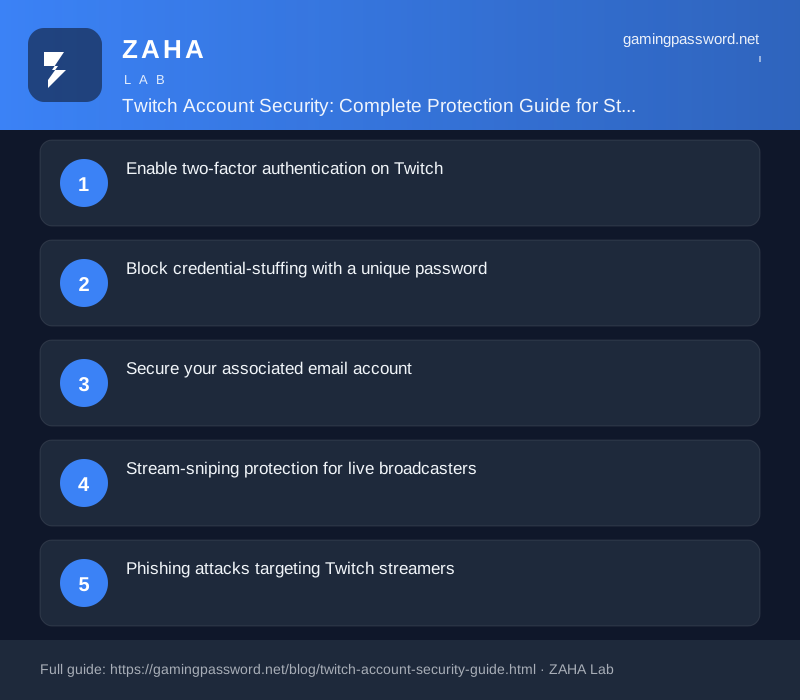
Twitch accounts are high-value targets. Hijackers steal channels for crypto scams, ransomware, and donation theft. In 2026, credential-stuffing and SIM-swap attacks on Twitch accounts have increased sharply as streaming revenue grows. This guide covers every layer of Twitch account security, from basic 2FA to advanced stream-sniping protection.
Enable two-factor authentication on Twitch
Two-factor authentication is the single most important security step for any Twitch account. Without it, anyone who obtains your password can log in and take full control of your channel. With it, they need both your password and a code from your phone.
Twitch supports three forms of 2FA: SMS codes (simple but vulnerable to SIM-swap attacks), authenticator apps like Google Authenticator or Authy (the recommended method), and security keys like YubiKey (the most phishing-resistant option). Enable 2FA at twitch.tv/settings/security. The NCSC and CISA both recommend authenticator-app 2FA as the minimum baseline for accounts handling financial transactions.
Block credential-stuffing with a unique password
Never reuse your Twitch password on any other website. Credential-stuffing, where attackers use email-password pairs from past breaches to log in on other platforms, is the most common attack vector for Twitch hijacking. The Verizon 2026 DBIR reports credential-stuffing accounts for 43 percent of gaming-account compromises. Use a password manager like Bitwarden, 1Password, or NordPass to generate and store a unique 16-plus character random password for Twitch.
Secure your associated email account
Your email is the recovery key for your Twitch account. If a hijacker gains access to your email, they can reset your Twitch password even with 2FA enabled. Your Twitch-associated email worth considering a unique strong password, authenticator-app 2FA, recovery codes stored in your password manager, and a verified backup email or phone number.
Stream-sniping protection for live broadcasters
Stream-sniping, where viewers use your stream delay to gain an advantage, is a threat unique to live broadcasting. Key protections include enabling a 15-30 second stream delay in Creator Dashboard, enabling Ban Evasion Detection, restricting chat to verified email accounts, and adjusting AutoMod during competitive gameplay. Twitch offers all of these settings in the Creator Dashboard under Moderation and Stream sections. Using a VPN such as Turbo VPN or Hide My Name VPN adds an extra layer of IP protection, making it harder for bad actors to pinpoint your general location during live broadcasts.
Phishing attacks targeting Twitch streamers
Streamers above a few hundred followers are routinely targeted with phishing. Common patterns include fake sponsorship emails containing links to credential-stealing pages, fake moderator applications, and fake DMCA takedown notices. Always check the URL before entering your credentials. Twitch login is at twitch.tv/login. Any other domain is a phishing page.
What to do if your Twitch account is hijacked
Try password reset first. If the hijacker changed your email, contact Twitch Support with proof of identity and channel ownership. After regaining access, revoke all third-party API clients, change your password, re-authenticate 2FA, and reset your stream key.
FAQs
Does Twitch have its own 2FA system?
Yes. Twitch provides SMS and authenticator-app 2FA in Security settings. Twitch does not yet support hardware security keys for all accounts, but some beta features are active. Use the authenticator-app option for the best balance of security and convenience.
Can I share my Twitch account with a co-streamer?
Sharing passwords is a security risk. Use Twitch moderation roles (mods, editors, channel managers) instead. These grant specific permissions without sharing login credentials.
What is a Twitch API key and why does it matter?
Hijackers often create API clients in the Twitch Developer portal after a compromise to maintain persistent access. After recovery, revoke all third-party API clients on the Connections page.
How do I check if my Twitch account has been compromised?
Signs include emails you did not send, unfamiliar API clients, sudden follower growth, stream key changes you did not make, and login notifications from unknown locations. Check Have I Been Pwned for your email address.